






HJC Spirit
Simply integrated. Simply essential.
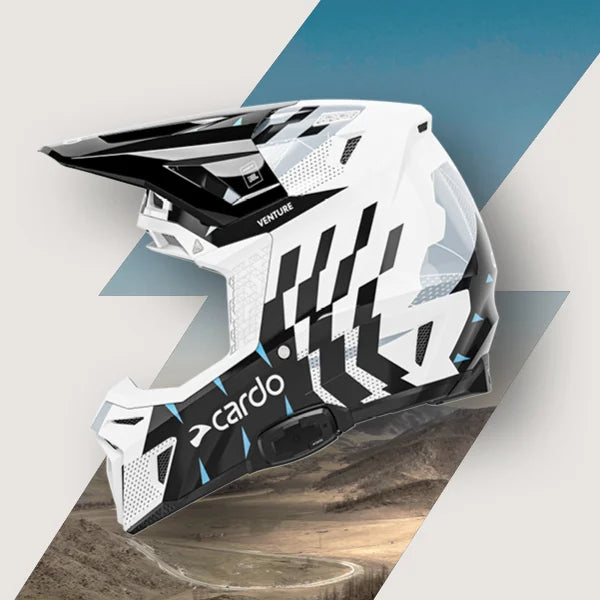
HJC SPIRIT is a streamlined communication system designed for selected HJC helmets. Built for riders who want straight-forward and dependable performance. It delivers everything you need—nothing you don’t.
* Relevant helmets:
-
Adventure / ADV: RPHA 60 CARBON, RPHA 60
-
Sport-touring / street: RPHA 72 CARBON, RPHA 72, F71 CARBON, F71, i71
-
Touring / modular: RPHA 91 CARBON, RPHA 91, i91
-
Open-face/urban: RPHA 31, F31
Can I use my unit in the rain?
Yes. All Cardo units are waterproof, so you can ride in the rain and continue to enjoy top-quality communication.
How long does it take to charge my unit?
Your unit supports fast charging. You will get up to 2 hours of talk time after only 20 minutes of charging, and a full charge takes up to 2 hours.
How can I get more run-time out of my battery?
Your Cardo unit includes a charge-while-riding feature that allows you to connect it to a power bank or a motorcycle power source and continue using it beyond the standard battery time. Simply plug your unit into the power source and keep riding.
Can I replace the battery in my unit?
No — do not attempt to disassemble or replace the battery yourself. Doing so may damage the system’s waterproofing.
If your unit does not hold a charge, first leave it connected to the charger for at least 4 continuous hours. If the issue remains, try a different wall charger and USB cable. If the problem still persists, please contact support.
How do I make sure that my unit’s battery lasts as long as possible?
We recommend not leaving your unit unused or in storage for more than 3 months without charging it. Be sure to charge your unit at least once every 3 months for a full 4 hours to help ensure maximum battery life.
To learn more about battery care, watch the video: Watch the battery care video.
Which mobile app do I need to download?
You need to download the Cardo Connect app. It allows you to configure your unit, control it remotely from your smartphone screen, and perform over-the-air software updates.
Does the SPIRIT line connect to other generation Cardo units (Packtalk, Freecom, G, Q)?
Yes. SPIRIT units connect to all Cardo units via universal Bluetooth. Use standard Bluetooth pairing for Freecom+ and Packtalk units. For G and Q units, initiate phone pairing mode before pairing.
How to pair to a non-Cardo headset using universal connectivity
To pair with a non-Cardo headset:
1. Start intercom pairing on your unit.
2. On the other unit, start mobile phone pairing.
3. Wait for the pairing to complete.
Can I listen to music and be part of the intercom at the same time?
Yes. In most cases, music streaming and intercom can be active at the same time. Whenever someone in the intercom network speaks, your Cardo unit will automatically lower the music volume so you can hear them clearly.
Why can't I get the full range of intercom out of my unit?
Like vehicle gas mileage figures, the range stated in the product description is the maximum range tested under optimal conditions. Actual range performance may vary due to obstacles in the line of sight such as ridges, trees, and buildings, as well as wireless interference such as cellphone base stations and power lines.
To learn more about reception range, watch the explanatory video: Watch the intercom range video.
Are there limitations in using music sharing feature?
You can share music with any Cardo unit from the same generation: PACKTALK PRO, PACKTALK EDGE, PACKTALK NEO, PACKTALK CUSTOM, FREECOM 4X, FREECOM 2X, Spirit HD, and Spirit.
Your unit cannot share music with products from previous generations (PACKTALK Bold/Black/Slim/Ducati/Louis, PACKTALK, SMARTPACK, SMARTH, FREECOM 2/4/1+/2+/4+, G-line, Q-line, SRC-line, SHO-1).
For a deeper understanding, watch the video: Watch the music sharing video.
Is it possible to use it with my own earbuds/speakers?
Yes. While your unit comes with high-quality speakers, you can also connect your own earbuds or aftermarket speakers via the 3.5 mm jack port.
Do I need a phone to operate my unit?
No. A phone is not required for basic operation. You can use the intercom without a phone.
Pairing a phone lets you listen to music, make phone calls, and adjust the unit settings through the app.
How can I improve my sound quality?
Sound quality is best when the speakers are placed directly opposite your ear canal. Follow these steps to make sure the speakers are positioned correctly inside your helmet:
1. With the helmet on, slide your finger inside the helmet and press against the side where your ear is located. This is where the speakers should be positioned.
2. Remove the helmet, but keep your finger on that location. Check that the speakers align with that spot.
3. Make sure the speakers are as close to your ears as possible so you can feel them. If necessary, use the included Velcro booster pads behind the speakers to move them closer.
4. Since every head is different, your helmet’s ear cavities may not be positioned optimally. If needed, place the speakers outside the ear cavities directly opposite your ears.
5. You can also choose your preferred sound profile in the Cardo Connect app.
6. You can upgrade the speakers to the 45 mm JBL speakers for even better sound quality.
How can I get Spirit Declaration of Compliance
Download the Spirit Declaration of Compliance from the relevant support page.
Will it pair with any other Bluetooth intercom?
Yes. Cardo intercom systems support universal connectivity and can pair with other Bluetooth communication systems from Cardo or other leading brands.
With the latest Midland, Uclear, and Sena communicators, Bluetooth pairing is identical to pairing with another Cardo unit.
To pair your unit with a non-Cardo headset:
1. Start intercom pairing on your unit (refer to your pocket guide or user manual for instructions).
2. On the other unit, start universal pairing. If universal pairing is not supported, start mobile phone pairing instead.
3. Wait for the pairing process to complete.
| 仕様: | |
|---|---|
自動オン/オフ |
|
衝突検知 In selected regions
|
|
インターコム技術 |
Bluetooth
|
防水 |
|
ユニット間最大通信距離 |
|
グループインターコム |
|
グループ最大通信距離 |
|
自然音声操作 |
|
Bluetoothバージョン |
|
スピーカー |
|
マイク |
|
他ブランドとの接続 |
|
自動音量調整 |
|
内蔵FMラジオ |
|
バッテリー |
|
走行中の充電 |
|
保証 |
|
OTAアップデート |
|
特長

Connects Up to 2 Riders

OTA Updates

2 Year Warranty

Seamless Connection with Other Brands
レビュー
It works as expected. Yes, HJC has its own com systems, but hey, if there is a cooperation between these two giants in their fields, why not make the combination of the bests? I am happy, the sound is great, communication is easy. Never change a running system.
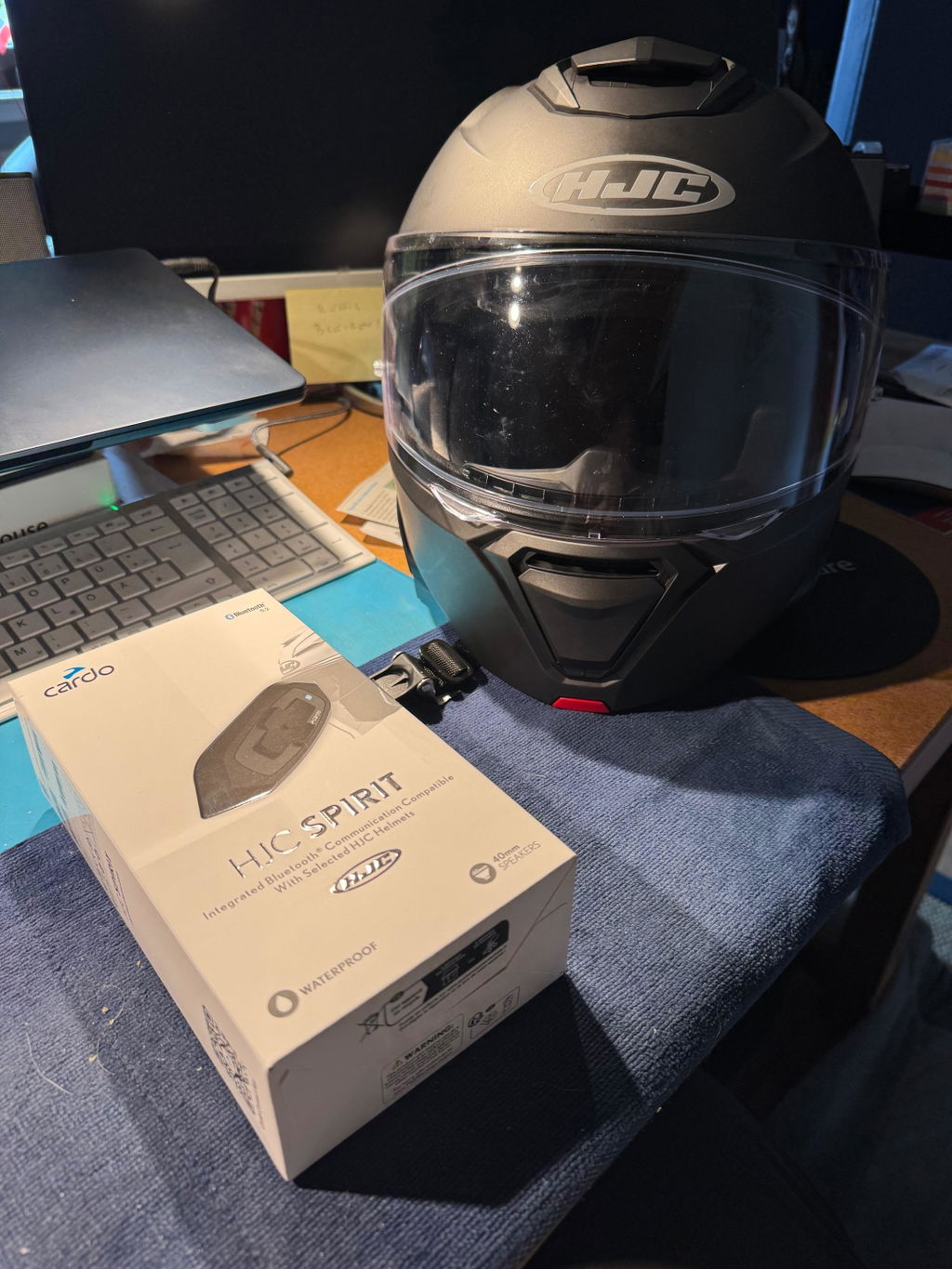
I love it! Especially that this particular model was designed specifically for my helmet. So everything was seemless. The speaker quality is impressive. I was skeptical at first, of how well the sound would be. But i am blown away by the product. Makes everything easier, without trying to fool around with earbuds.
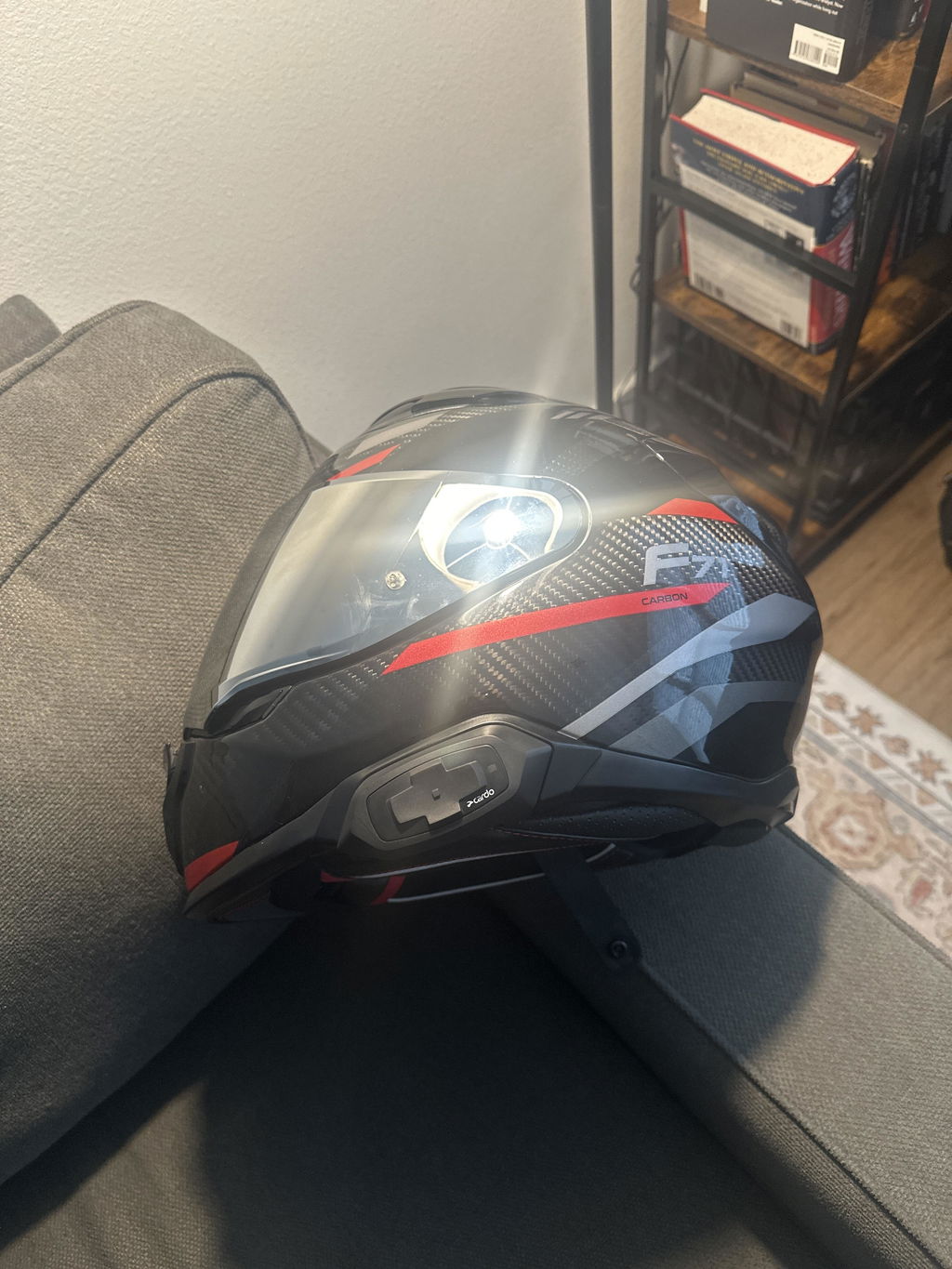
Velocissima la consegna, confezione come sempre
Impeccabile.Istallato facilmente sul mio casco in pochissimo tempo e senza problemi. Sono contento 🙃
Sound with JBL speakers is great. Mounted to RPHA 91 was easy and fit well. Works good the buttons are a little hard to use with gloves. The old Cardo I had was much easier they need a remote control so you can see it while riding. If theywere separate buttons instead of a rocker style thing I think it would be easier to use.
購入に関する質問
配送
ご注文を送信いただいた後、3営業日以内に内容を処理いたします。
ご注文の処理が完了すると、以下の情報を含むメールが送信されます:
- 請求書
- クリック可能な追跡番号
- 配送業者名
提供された追跡番号と配送業者名を使用して、お荷物の現在地を簡単に確認し、到着予定を把握することができます。
その他
商品にご満足いただけませんか?ご安心ください。商品を元のパッケージに入れ、良好な状態で30日以内にご返送いただければ、理由を問わず返金いたします。
詳細はこちらをご覧ください
破損した商品や不完全な商品(例:マイクが欠品している場合)を受け取られた場合は、サポートページから速やかにご連絡ください。問題の追跡および解決のため、ご注文確認番号を必ずご記載ください。
サポートページからご連絡いただくことで、予約注文をキャンセルすることができます。なお、銀行の明細に取引が反映されるまで最大10日かかる場合がありますので、あらかじめご了承ください。