




Product support
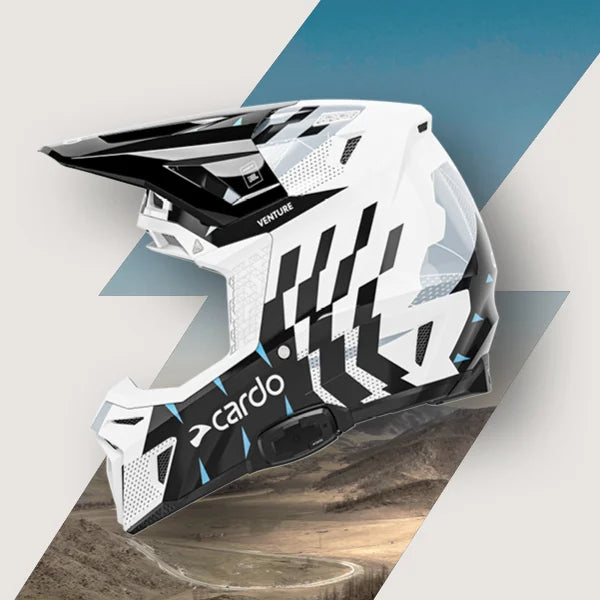
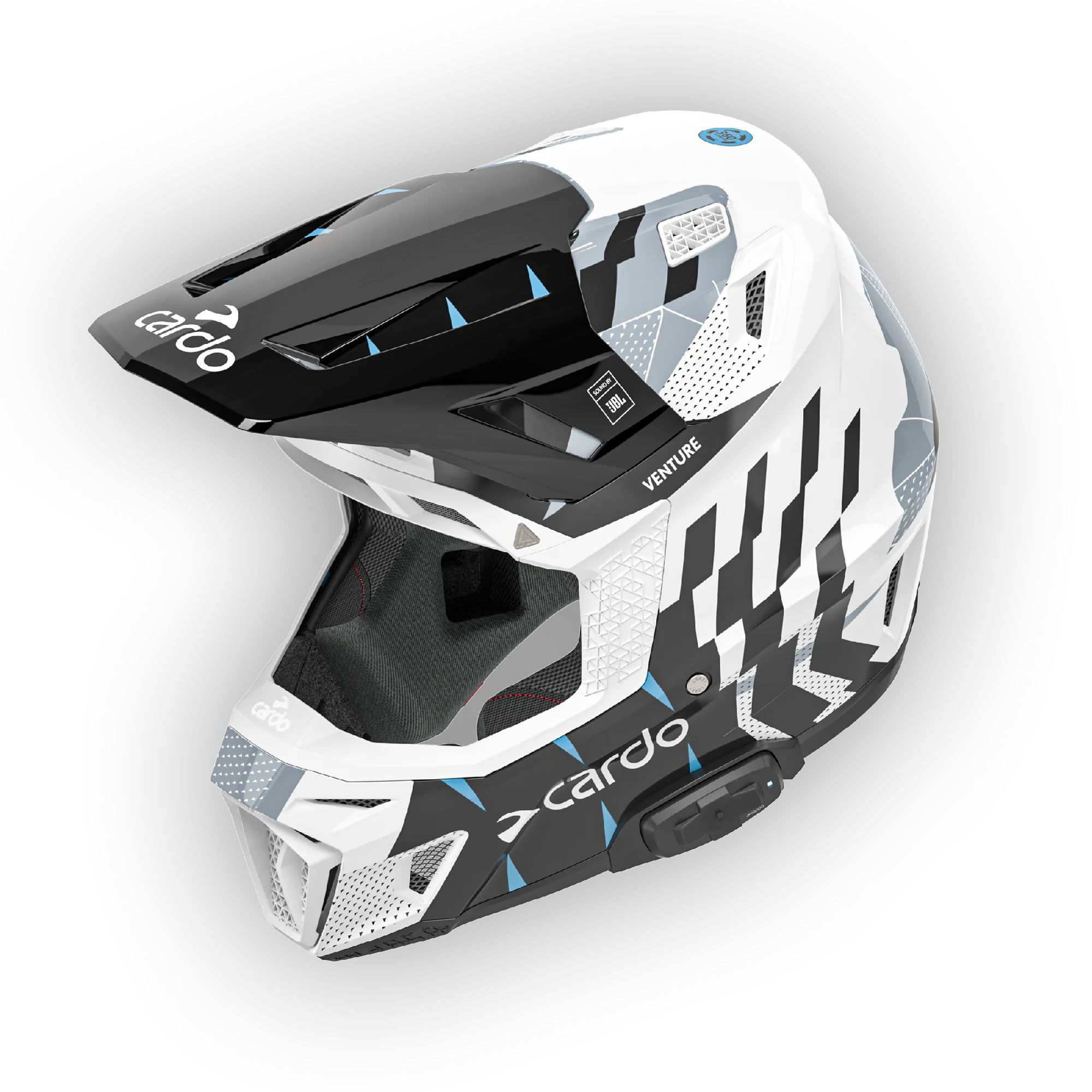
VENTURE
Have questions about Mesh Boost? Click here.
1. Communication & Connectivity
What communication technology does Venture use?
Venture uses Cardo’s 2nd generation Dynamic Mesh Communication (DMC), designed for easy grouping, self-healing communication, and clear group conversations in demanding riding environments.
How many riders can connect together?
Venture supports communication with up to 31 riders in a DMC mesh group.
What is the communication range?
The system is specified with a range of up to 1.6 km / 1 mile. Actual range can vary depending on terrain, obstacles, rider position, weather, and wireless interference.
Can Venture connect to other Cardo units?
Yes. Venture is designed to connect with supported Cardo communication systems.
Can Venture connect with communication systems from other brands?
Yes. Venture supports live Bluetooth intercom for connecting with other major brands.
Can I pair Venture with my phone, GPS, or TFT display?
Yes. Venture supports device pairing for phone, GPS, and TFT displays through the helmet communication system.
Does Venture work with the Cardo Connect App?
Yes. Venture is designed to work with the Cardo Connect App for setup, control, and software updates.
How do I update my communication system?
Venture supports Over-The-Air software updates through the connected app experience.
2. Audio & Microphone
What speakers are included?
Venture includes 40mm Sound by JBL speakers integrated inside the helmet.
Can I listen to music while riding?
Yes. When paired with a smartphone, Venture can stream music and supports music-related voice commands.
Can I make and receive phone calls?
Yes. When connected to a smartphone, Venture supports hands-free phone call functions.
Does Venture support voice commands?
Yes. Venture supports Natural Voice Operation, allowing riders to control key functions with voice commands such as music, radio, phone, intercom, volume, and battery status.
Does Venture support Siri or Google Assistant?
Yes. When paired with a compatible smartphone, Venture supports access to Siri and Google Assistant.
How should the microphone be positioned?
For the best voice quality, position the boom microphone directly in front of the rider’s mouth. The small black triangle on the microphone must be faced toward the mouth.
- If the triangle faces away from the mouth, voice pickup may sound weak or unclear.
- Make sure the microphone is not blocked by the liner, cheek pad, or chin area.
- After reinstalling the liner or cheek pads, re-check the microphone position before riding.
3. Durability, Water & Service
Is the communication system waterproof?
The remote control and microphone are rated IP67. The main unit at the back of the helmet is rated IP54. The speakers do not have an ingress protection rating.
Can I ride with Venture in rain, mud, and dust?
Yes. Venture is designed for off-road riding conditions. After heavy mud or dust exposure, clean the helmet carefully and allow all components to dry fully before reassembly.
Are the electronics removable?
Yes. All electronic components are removable, serviceable, and upgradable.
Can the communication unit be serviced?
Yes. The communication components can be handled for service through the appropriate support process.
4. Cleaning & Maintenance
How do I clean my Venture helmet after a muddy off-road ride?
Clean the helmet carefully by hand. Remove the interior padding for washing, and remove the speakers and microphone before cleaning the shell. Wipe the helmet shell with a soft damp cloth.
- Do not submerge the helmet in water.
- Do not use a pressure washer.
- Do not use harsh chemicals, petroleum-based cleaners, glass cleaners, heavy solvents, or abrasive materials.
- Allow the helmet, liner, cheek pads, speakers, and microphone to dry completely before reassembly.
Can I wash the removable comfort liner and cheek pads?
Yes. The comfort liner and cheek pads can be removed for washing. Wash them gently using mild detergent or mild baby shampoo, then air dry them completely before reinstalling.
- Use cold or lukewarm water.
- If machine washing is allowed by final care-label instructions, use a mesh laundry bag and gentle cycle.
- Never tumble dry the liner or cheek pads. Heat can damage foam, snaps, adhesives, or fabric.
How do I remove caked-on mud without scratching the helmet?
Do not scrape dry mud from the helmet. Place a soft damp microfiber cloth over the muddy area for several minutes to soften the dirt, then gently wipe it away.
- Use a soft microfiber cloth.
- Avoid paper towels, stiff brushes, and abrasive pads.
- Repeat the soaking step if mud remains stuck instead of applying force.
Can I use dish soap or harsh chemicals on the outer shell?
No. Avoid dish soap, glass cleaners, petroleum-based cleaners, heavy solvents, and harsh chemicals. Use a dedicated helmet cleaner or a mild, pH-neutral soap mixed with warm water.
Can I clean the helmet shell with the speakers and microphone installed?
No. If the shell needs to be cleaned, remove the speakers and microphone first. Then clean the shell with a damp cloth and mild cleaner. Reinstall electronic components only after everything is fully dry.
How do I clean the inner EPS foam liner?
Do not submerge the helmet. Gently wipe the interior EPS area with a lightly damp cloth and mild cleaner, then allow it to air dry completely in a ventilated area away from direct heat or sunlight.
Can I use a pressure washer on my Venture helmet?
No. A pressure washer can force water deep into the helmet, damage graphics or decals, affect internal layers, and expose the communication components to unnecessary risk.
How should I clean the speakers, microphone, and communication components?
Do not wash electronic components under running water or submerge them. After removing them from the helmet, wipe them gently with a dry or slightly damp soft cloth only.
How should I dry the helmet after cleaning?
Air dry all components completely in a well-ventilated area. Do not use a dryer, hair dryer, oven, heater, or direct sunlight. Reassemble only when the shell, liner, cheek pads, speakers, and microphone are completely dry.
Release notes 5.4
We have upgraded your Dynamic Mesh systems with three new enhancements!
- Love to ride in very large groups? Now you can, big time! We’ve extended DMC group size to 31 riders.
- Hate to set up groups? We got you covered. Public Mesh makes it easier and simpler to talk spontaneously with any nearby Cardo within DMC range. Just open Cardo Connect and choose Public Mesh in your intercom screen.
- We understand that not all riders start at the same place when heading for a ride. New Remote Grouping feature allows you to set up a group from your comfy armchair. Cardo Connect App will share your group invites once you've completed the setup. Once in range, your devices will automatically connect. It's that simple.
To accommodate these enhancements we’ve redesigned the intercom screen on your Cardo Connect App. Don’t worry though, it is still intuitive and easy to work with, just a little better now.
Finally, we've also enabled voice commands in DMC:
”Hey Cardo, call intercom” to join
”Hey Cardo, end intercom” to exit.
Important! This update will delete all current existing DMC groups from your device. You will need to re-create your groups after updating your device.
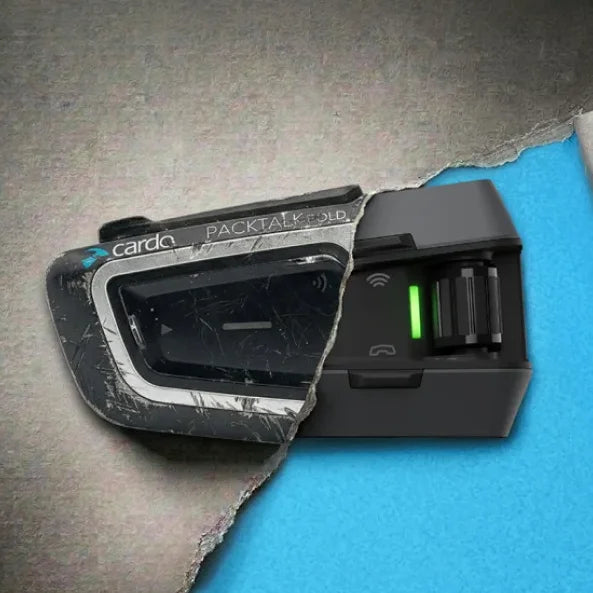
Mesh Boost groups can include legacy DMC units (Packtalk Bold/Slim/Black) with some limitations. Please visit our support page for more details before including legacy units in your group.
Control, configure and enjoy your ride!
Cardo Connect is a comprehensive yet intuitive interface to manage and control your Cardo Packtalk, Freecom and Sync communication systems.
Personalize your device, set all its various features and control it on the go with a clean, engaging and easy to use design.
Whether it's Music, audio sharing, Radio, Dynamic Mesh (DMC) and Bluetooth intercom or phone control – Cardo Connect got you covered.
It even has a “secret” Quick Access button to enable full control of all the above from one screen!
Just try it out for yourself!
Cardo Connect selected features:
- Remote Control for Dynamic Mesh, Bluetooth and Cellular Intercom
- Phone, music and radio control
- Auto day/night mode
- Quick Access
- Complete device setting, presets and customization.
- Embedded pocket guides
- Smart audio mix
- Updates on latest firmware
- Multi-lingual support
- Reset device
- Access to support


View the Safety, Compliance and Warranty information by clicking one of the links below:
For Packtalk Pro.
For Freecom 1/2/4/1+/2+/4+, Packtalk, Packtalk Slim, Packtalk Bold, Packtalk Black, Packtalk Ski.
For Edgephones ORV.
For Packtalk-S/4X-S.
For HJC Packtalk, HJC 4X, HJC Spirit.
For Cardo Venture.
For Cardo Sync.
